Visiting Card of Business: Scan QR Code and Your Number Will Be Saved in Buyer's Contact List
Think about the last time you handed out a traditional paper visiting card. What do you think happened to it?
Statistically, over 88% of paper business cards are thrown away within less than a week. Even if a potential buyer keeps it, the chances of them manually sitting down, typing out your full name, phone number, email address, and website into their phone are incredibly low. In today’s fast-paced business world, manual data entry is a barrier to closing deals.
If you are a modern dealer, broker, or service provider, you cannot afford to let hot leads slip away because of an old-school piece of paper. You need a frictionless way to get inside your buyer's phone.
That is where the ultimate upgrade comes in: The QR Code Contact Saving Card.
The Ultimate Frictionless Networking Feature
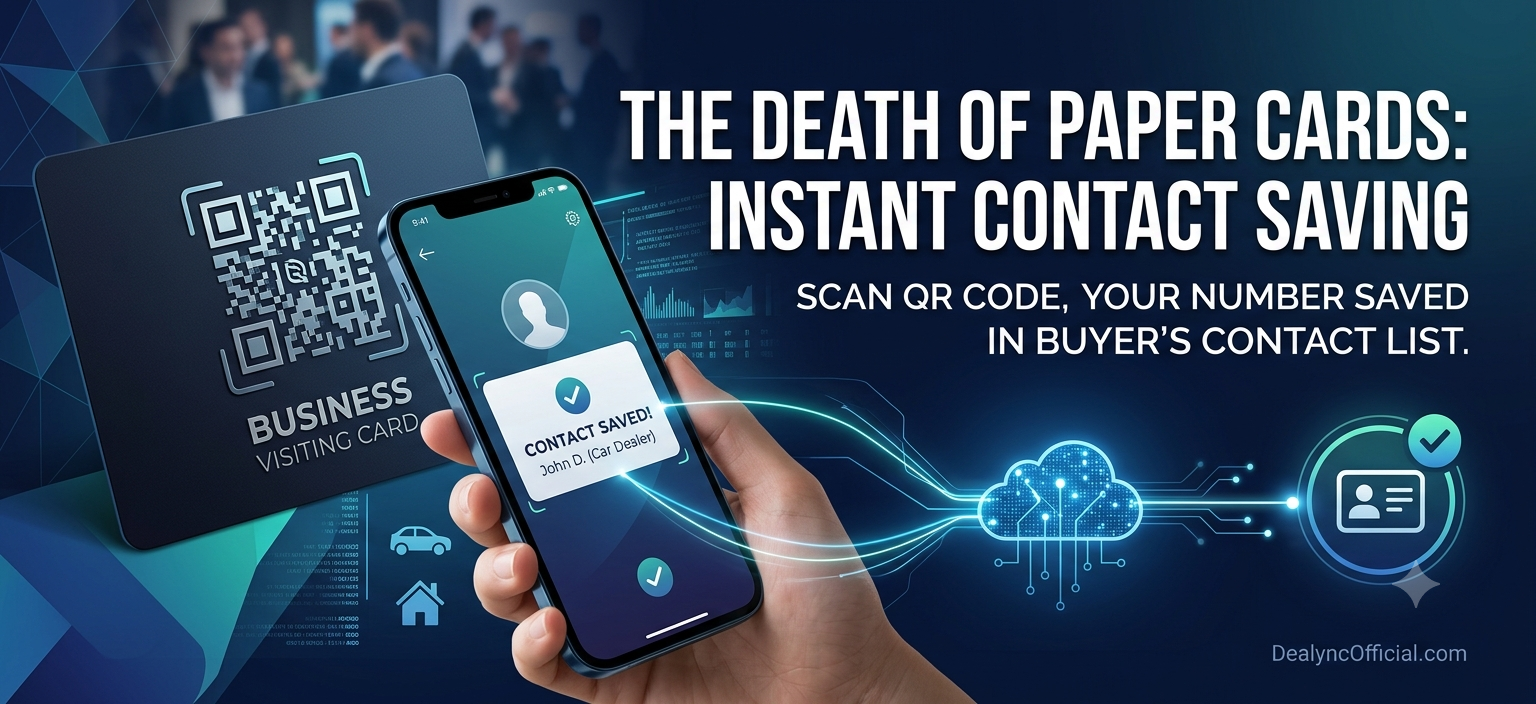
Imagine standing in front of a high-value client. Instead of handing them a paper card that will inevitably get lost in their wallet or car dashboard, you show them a smart visiting card featuring a prominent QR code.
The client opens their smartphone camera, points it at your card, and taps the screen. Boom. A pre-filled contact card (vCard) pops up instantly on their screen with an automatic option to "Save Contact." Within two seconds, your business phone number, official email, shop address, and website link are securely saved into their personal contact list.
No manual typing. No typos. No lost opportunities.
Why Every Modern Business Needs a QR Code Visiting Card
1. 100% Lead Retention (Zero Paper Waste)
When a buyer takes a paper card, they have your information temporarily. When they scan your QR code, your information is stored in their cloud storage and phone memory permanently. Even if they forget your face a month later, your name and business details will show up the moment they search their contacts for a service you provide.
2. Share Comprehensive Business Data Instantly
A standard paper card has very limited space. If you squeeze in your phone number, WhatsApp link, website, and social handles, the card looks cluttered and unprofessional. A dynamic QR code, however, can store:
Your primary and secondary phone numbers.
Your physical showroom, office, or shop address.
Directly clickable links to your digital inventory or website.
Your WhatsApp business shortcut.
3. Build Instant Trust and Professionalism
First impressions matter immensely in competitive markets. When you offer a quick, tech-savvy QR scan, it signals to the buyer that your business is modern, efficient, and highly organized. It positions you as an elite professional who respects the client's time.
How the Magic Works Behind the Scenes
You don’t need to be a software developer to implement this for your business. The technology relies on a standard protocol called a vCard (.vcf file) embedded seamlessly into a QR code.
[Your Smart Card / App QR] ──> [Buyer Scans with Camera] ──> [Auto-Populates "Create New Contact"] ──> [Saved Instantly]
When the smartphone camera decodes the QR code, it instantly recognizes the data structure as a contact profile. The phone’s native operating system (whether it is iOS or Android) immediately triggers its built-in contact application, asking the user to confirm the save. It bypasses the browser entirely, making the journey from "stranger" to "saved contact" completely seamless.
Maximize the Power of Your Digital Showroom
If you want to take your networking to an even higher level, your QR code shouldn't just save your phone number—it should bridge the gap directly to your active listings.
By utilizing platforms like Dealync, you can create a centralized digital business profile. When a client scans your custom code, they don't just get a contact number; they get a direct gateway to look at your available properties, vehicles, or services right on their phone screen. It transforms a simple introduction into an immediate, interactive sales pitch.
Step Into the Future of Business Networking
The market moves too fast to rely on tools from the last decade. If your number isn’t inside your buyer’s phone, your business doesn't exist to them when they are ready to make a purchasing decision.
Ditch the expensive printing costs of paper cards that end up in the trash. Switch to a smart QR code system, make it effortless for your clients to stay connected, and watch your callback rates skyrocket.
Conclusion
The market moves too fast to rely on tools from the last decade. If your number isn’t inside your buyer’s phone, your business doesn't exist to them when they are ready to make a purchasing decision.
Ditch the expensive printing costs of paper cards that end up in the trash. Switch to a smart QR code system, make it effortless for your clients to stay connected, and watch your callback rates skyrocket.
Frequently Asked Questions (FAQs)
Q1. Does the buyer need a special app to scan the QR code?
No. Every modern smartphone (both Android and iPhone) has a QR code scanner built right into the native camera app. The buyer simply opens their camera, points it at your card, and saves your number in seconds.
Q2. Can I change my phone number or business details later without changing the QR code?
Yes, if you use a Dynamic QR code or link it directly through an application like Dealync. You can update your contact numbers, address, or shop inventory in your profile dashboard, and the printed QR code will automatically route clients to your updated information.
Q3. Does this feature work offline?
Standard contact-saving vCard QR codes can work completely offline because all the contact details are embedded right inside the code itself. However, if you want the QR code to also showcase your live web catalog or social media links, the buyer will need an active internet connection.
Q4. Can I print this QR code on a physical plastic or paper card?
Absolutely. You can print your custom contact QR code anywhere—on premium plastic cards, standard paper cards, standees at your shop counter, or even display it as your phone lock screen wallpaper for instant scanning at networking events.